
Shift the focus from nagging to structured collaboration by using visual chore charts, age-appropriate tasks, and parent-approved virtual rewards to build lasting household habits.
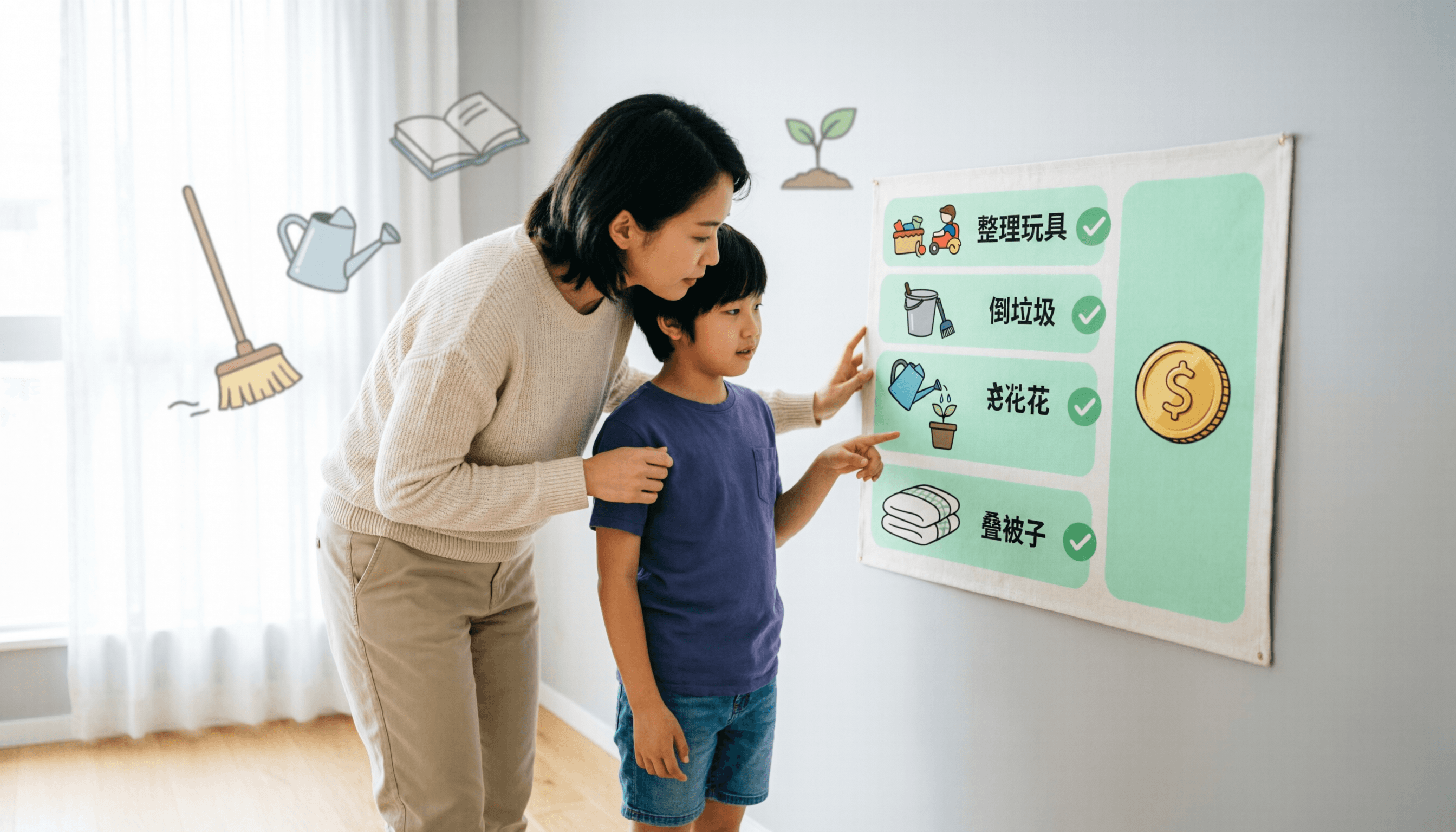
If you have ever found yourself repeating, “Please make your bed,” for the third time before 8:00 AM, you are not alone. Getting children to participate in household tasks is a universal parenting challenge. However, learning how to motivate kids to do chores is less about perfect persuasion and more about building a clear, consistent, and positive framework.
When children understand what is expected of them and see a tangible connection between their effort and a meaningful reward, household routines shift from a daily battleground to a cooperative effort. Here is a practical, parent-first guide to building a chore routine that actually works.
Start with age-appropriate expectations
A common reason children resist chores is that the tasks feel overwhelming or confusing. Breaking responsibilities down by age ensures success and builds confidence.
Ages 5–8 (Sprout)
Focus on simple, highly visible tasks like putting toys in a bin, setting the table, or feeding a pet.
Ages 9–13 (Explorer)
Introduce multi-step tasks such as loading the dishwasher, taking out the recycling, or folding their own laundry.
Ages 14–18 (Pro)
Shift toward independent household management, like preparing a simple meal, vacuuming common areas, or managing their own laundry start-to-finish.
When tasks match a child’s developmental stage, they are more likely to complete them without constant supervision.
Build a consistent family reward system
Motivation thrives on consistency. A well-structured family reward system gives children a clear reason to participate. Rewards do not have to be monetary; in fact, experiential rewards often hold more value for kids.
Consider offering rewards like:
- An extra 30 minutes of weekend screen time
- Choosing the Friday night movie or dinner menu
- A trip to the local park or zoo
- A later bedtime on the weekend
Note: If you use a kids allowance app or digital tracking tool, remember that digital coins are virtual family points. They are not real money, a banking product, or a debit card. They are simply a visual way for kids to track their progress toward rewards you, the parent, have already approved and believe in.
Make the process visual and clear
Out of sight is often out of mind for children. A visual chore chart for kids removes the need for constant verbal reminders. When chores are displayed in a shared space—or on a dedicated family app—children can check their responsibilities independently.
Visual clarity also helps parents. Instead of asking, “Did you clean your room?” you can simply check the completion status. This subtle shift reduces friction and promotes positive reinforcement for chores rather than nagging.
Celebrate completion, not perfection
When a child finishes a task, acknowledge the effort. If a bed is made but the pillows are slightly crooked, praise the initiative. Over-correcting can quickly drain a child’s motivation.
For tasks where quality matters, tools like optional photo proof can be helpful. Framed as a private review aid rather than surveillance, a quick photo allows a parent to verify the work from the sofa and approve it instantly. This builds trust and gives the child a sense of accomplishment.
How KidMint simplifies the routine
Managing chores, approvals, and rewards manually can become a part-time job. KidMint is designed to streamline this process for families with children ages 5 to 18.
Here is how the workflow supports your family:
1. You set the stage
Choose from a ready-made library of age-appropriate chores or create your own, assigning a virtual coin value and optional photo proof.
2. Kids take ownership
Children join using a simple family code and a 4-digit PIN—no personal email or Google account required. They see their tasks, complete them, and submit their work.
3. You approve
You receive a notification, review the completed chore (and photo, if requested), and approve it. Virtual coins land in the child’s account only after your approval.
4. They earn rewards
Kids browse a parent-stocked store and request a reward. You decide if it’s a “yes” or “not this time,” keeping you firmly in control of the household economy.
Setting up your family takes under five minutes, giving you more time to focus on what matters, rather than managing the management. Compare plans on the pricing page.
A calmer routine starts with clear expectations
Learning how to motivate kids to do chores is a marathon, not a sprint. By setting realistic expectations, maintaining a visual routine, and using a consistent reward system, you can transform household responsibilities into a positive, character-building experience.
Ready to bring calm to your household routine? Explore KidMint’s features and see how a simple, parent-approved reward system can change your family’s dynamic.
Questions parents ask
What if my child refuses to do their assigned chores?
Stay calm and avoid power struggles. Revisit the chore together to ensure it is age-appropriate. Sometimes, breaking the task into smaller steps or letting the child choose between two chores can restore their sense of autonomy and willingness to participate.
Are digital rewards better than a traditional cash allowance?
It depends on your family’s values. Digital tracking (using virtual coins) is highly effective for visual learners and keeps the focus on earning specific, parent-approved treats. Please note: KidMint coins are virtual points with no cash value. KidMint is not a bank, wallet, or money-transfer service. If you wish to tie chores to real money, you can simply create a custom reward in the app called “$5 Allowance,” which you fulfill in real life.
How do I ensure my child’s privacy when using a chore app?
Choose an app that prioritizes family privacy. In KidMint, children join via a family code and PIN without needing an email address. Optional photo proofs are strictly for parent review, are never used for advertising, and are permanently deleted if you choose to delete your account.